Software
All-in-one HR software vs separate tools
The average worker uses ten applications and switches between them 25 times a day. In HR that translates into duplicated data and mismatches that cost money.
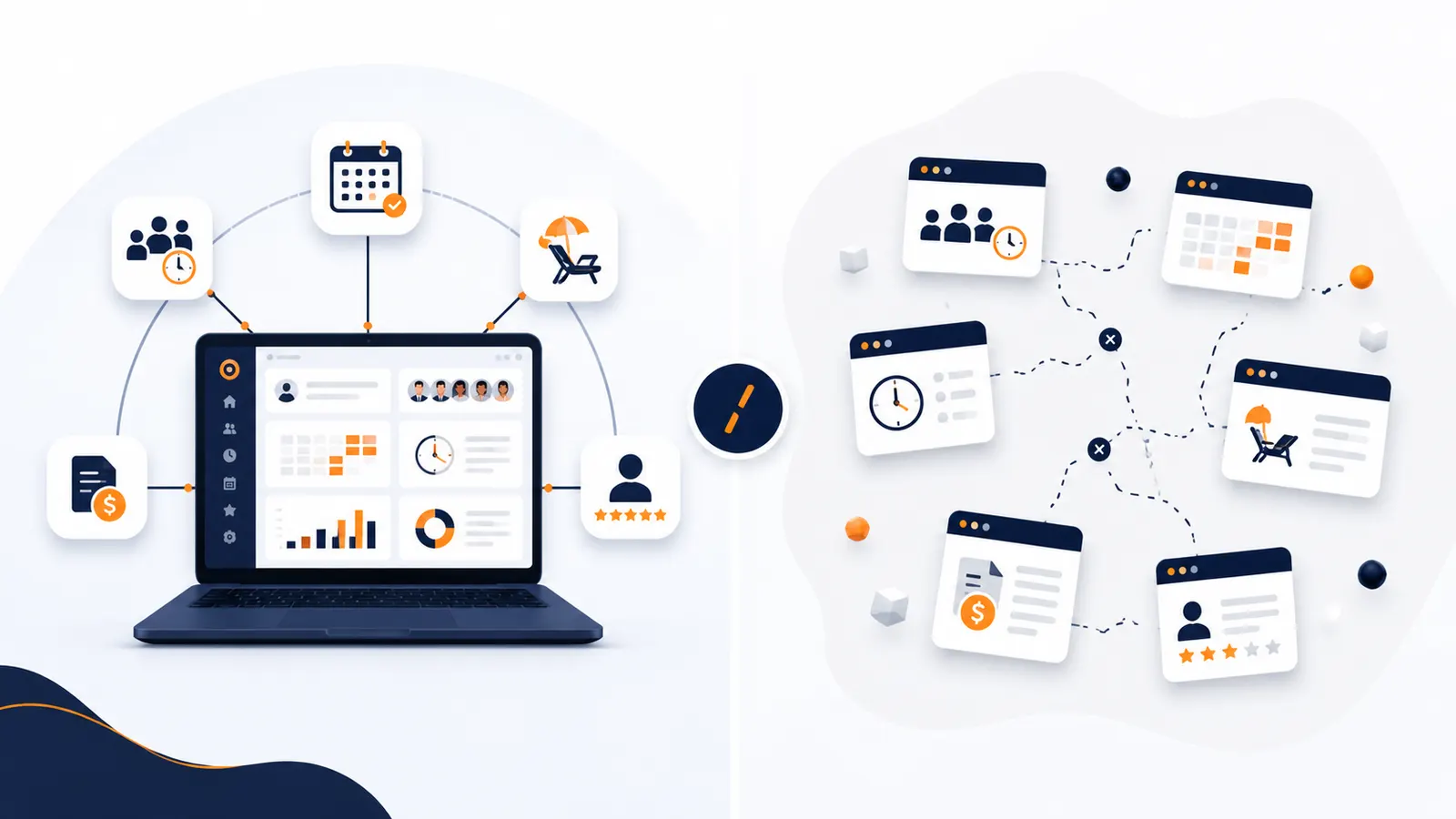
Choosing HR software is rarely a single-day decision. What usually happens in a growing company is that tools accumulate: an app for clocking in, a spreadsheet for holidays, another platform for reviews, an external accountant for payroll and email for everything else. Each piece solves a problem… until the problem becomes managing the pieces.
In 2026 the question is no longer whether to digitalise HR, but how: with an all-in-one platform or with several separate tools wired together as best you can. Let us compare them with data, no hot air, so a growing company can decide well.
The invisible cost of keeping tools separate
The problem with accumulating loose apps is not the price of each one: it is the friction they create together. According to Asana’s Anatomy of Work Index, the average worker uses around 10 applications and switches between them roughly 25 times a day, spending close to 60% of their time on "work about work" (hunting for information, reconciling data, jumping between tools) instead of on their actual job. Various studies collected by Harvard Business Review put the time lost simply reorienting after each switch at around four hours a week.
In HR this translates into something very concrete: duplicated, contradictory data. The same employee created in five systems, holiday that exists in the spreadsheet but not in the clock-in app, a shift that clashes with sick leave recorded in another tool. Every disconnection is a source of errors and administrative hours.
What all-in-one HR software means
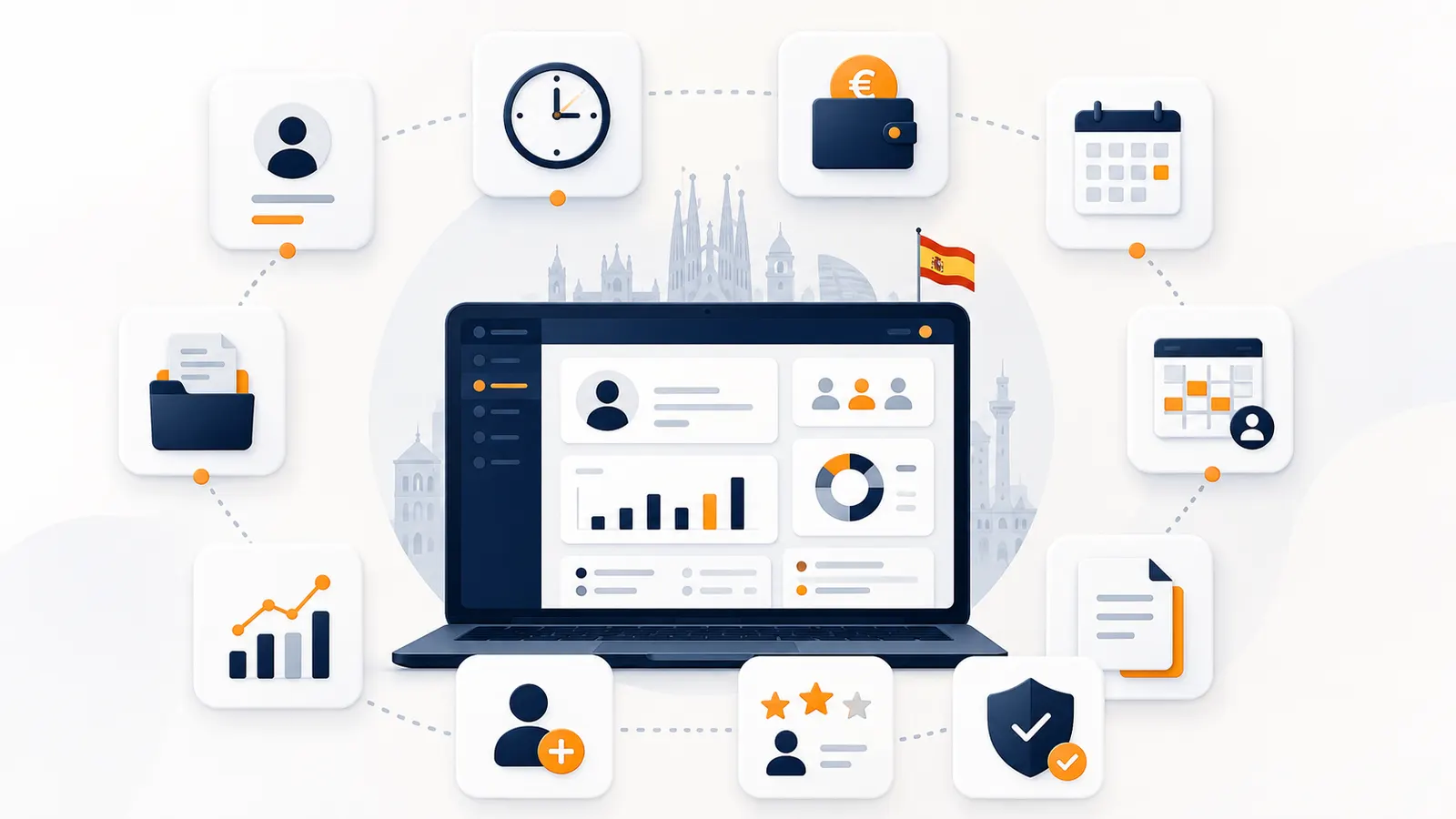
All-in-one HR software brings together, on a single platform, the processes that would otherwise need several tools: time tracking and clock-ins, shift management, leave and sick days, performance reviews, document management and analytics. Data is entered once and flows between modules, instead of being retyped into each application.
The key difference against separate tools is coherence: when the clock-in, the shift and the absence live in the same system, the software itself spots the contradictions. With disconnected tools, you do that reconciliation by hand, and usually late.
All-in-one vs separate tools: a comparison
| Criterion | All-in-one platform | Separate tools |
|---|---|---|
| Data | A single source of truth | Frequent duplication and mismatches |
| Administrative time | Low: data flows | High: re-entry and reconciliation |
| Total cost | One subscription | Licences plus integrations |
| Compliance | Records and traceability centralised | Spread across systems |
| Shifts ↔ clock-ins ↔ leave | Connected and reconciled | Silos you have to cross-check |
| Employee experience | One place, one app | Several apps and passwords |
| Learning curve | One tool to master | Several different interfaces |
Where it shows most: shifts, leave and reviews
The advantage of an all-in-one platform is clearest in the three processes that overlap most in a small company:
- Shifts and clock-ins. When the rota and the clock-in sit on the same platform, the system flags someone clocking in outside their shift or on a day off. With separate tools that cross-check does not exist until somebody notices by hand. We develop this in our comparison of platforms for shifts and time tracking.
- Leave and sick days. Holidays and sick leave show up instantly in the calendar, in the rota and in the hours count, avoiding the classic mismatch that ends up costing money. Good control here reduces the hidden cost of absenteeism.
- Performance reviews. Living alongside the rest of the employee’s data, reviews stop being an isolated annual ritual and become continuous follow-up, with real context about the person.
And on payroll automation, the logic is the same: an all-in-one platform hands over hours, overtime and incidents already reconciled, whether to your accountant or your payroll system, instead of forcing you to gather them from three different tools.
So, never use separate tools?
It would be dishonest to claim all-in-one always wins. Separate tools make sense in some cases:
- When you need very deep, specialised functionality in one specific area (for example, extremely complex rota planning across a large workforce) that a generalist suite does not match.
- When you already have a large HR department with the resources to integrate and maintain several systems via API.
- When a particular tool is so embedded in your operation that replacing it would cost more than keeping it.
The deciding factors are size and stage: the larger and more specialised the organisation, the more defensible a stack of connected pieces becomes. For a growing SME, though, the cost of maintaining and reconciling loose tools almost always exceeds any advantage of having "the best" app in each category.
The maths that usually favours all-in-one
For most Spanish SMEs the equation is simple: fewer tools means less duplicated data, fewer administrative hours, fewer errors and one place to satisfy the rules. It is not about having the perfect app for every task, but about having the whole people cycle connected. For more depth, see our comparison of HR software for SMEs.
Quantummycos: all your HR in one place
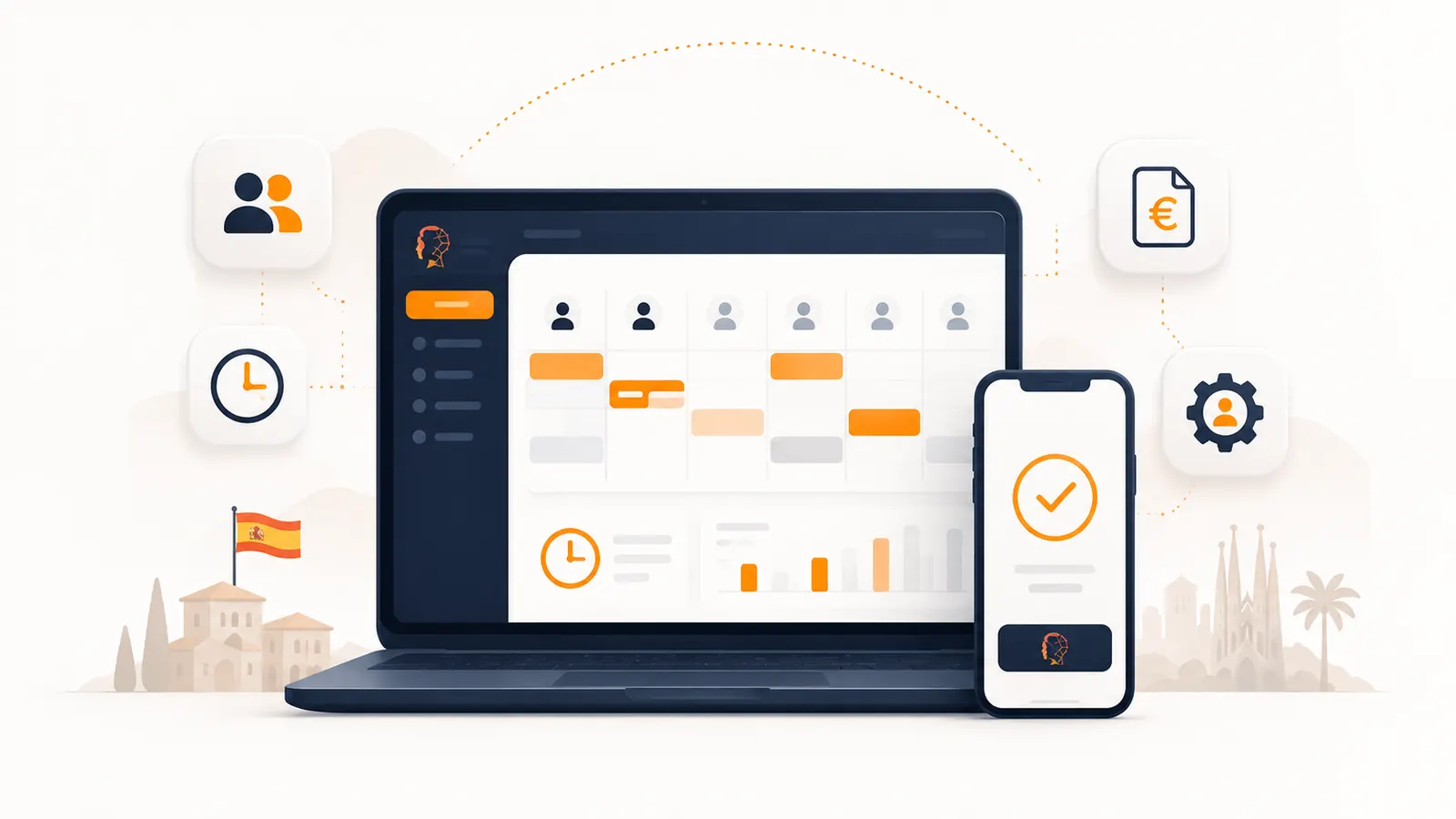
Quantummycos is all-in-one HR software built for Spanish SMEs. It brings together time tracking and clock-ins, shift management, leave and sick days, performance reviews, document management and analytics on a single platform, with working-time compliance and GDPR as standard. Clock-ins reconcile automatically against shifts and leave, and the data reaches your accountant clean, ready for payroll.
All in one place, with one app for your team, at a price built for small companies: you can start for free and grow when you need to.
How many tools do you use today to manage your team? If the count is above two, it may be time to join them up. Book a demo or start for free and see for yourself.
Sources
- Tool fragmentation and "work about work" data: Anatomy of Work Index (Asana) and studies collected by Harvard Business Review.
- Working-time record obligation: Royal Decree-Law 8/2019 (BOE).
This article is informational and commercial in nature. The figures cited may vary by source and by the year of the study.
- HR software
Frequently asked questions
It is a platform that brings time tracking and clock-ins, shift management, leave and sick days, performance reviews, document management and analytics into a single system. Data is entered once and flows between modules instead of being retyped in each application.
When you need very specialised functionality a generalist suite does not match, when you already have a large HR department with the resources to integrate systems via API, or when a tool is so embedded that replacing it would cost more than keeping it.